
Saying Goodbye to My Old Graphics ‘Weapon of Choice’ (Almost!)
Switching to an Apple iMac (Mac), on the persistent advice of my tech-pro big brother, was mostly thrilling, but it came with a shocking truth: my beloved Paint Shop Pro wasn’t invited. This software wasn’t just a programme; it was my nostalgia-laced graphics ‘weapon of choice’ since the 90s on Windows, representing my first foray into a relative powerhouse of features for detailed photo editing and graphic design, complete with layers and super-precise tools. It could be a bit of a beast to learn, and it required a purchase, but I knew it inside out.
Unfortunately, Paint Shop Pro simply isn’t compatible with Macintosh Operating Systems (macOS).
As of this moment, Corel® PaintShop Pro is not compatible with any and all Macintosh Operating Systems. Corel® PaintShop Pro is only supported on Windows® based systems.
Corel Corporation
Consequently, I explored what the Mac offered as standard, the Photos app. It’s perfectly lovely for keeping all my pictures organised and making quick adjustments, and it works seamlessly with my iPhone and iPad. Plus, you can’t argue with free! However, when it came to the kind of intricate work I was accustomed to in Paint Shop Pro, it felt rather basic.
This led me to hunt for other options. However, the decent ones seemed rather pricey, and some looked like they would take an age to master. Honestly, I just didn’t want to fork out for new software and face that learning curve all over again. It was then that I stumbled upon Canva.
Canva was a breath of fresh air! Being online, it works directly on my Mac, and it also has an app for my phone and tablet too, which is incredibly handy. What really got me was how incredibly easy it is to use. It’s all drag and drop, and they have templates for practically anything you can think of. Now, it doesn’t have all the super-deep editing tools that Paint Shop Pro boasted (you know, all those layers and intricate selections). But for my needs, particularly creating content for social media and general graphics, it was perfect.
And the best part? It has a free version! Which, at the time, was exactly what my wallet wanted. Plus, it’s inspiring to see what Melanie Perkins, the CEO (and a fellow Melanie), has built with Canva, driven by a vision to make design accessible to everyone. So, while I still have a soft spot for my old Paint Shop Pro (I still have it, I’m still not ready to say goodbye), Canva has become my go-to on the Mac, and everywhere else, really. Plus, they even send you a bit of cuteness when you reach a milestone!
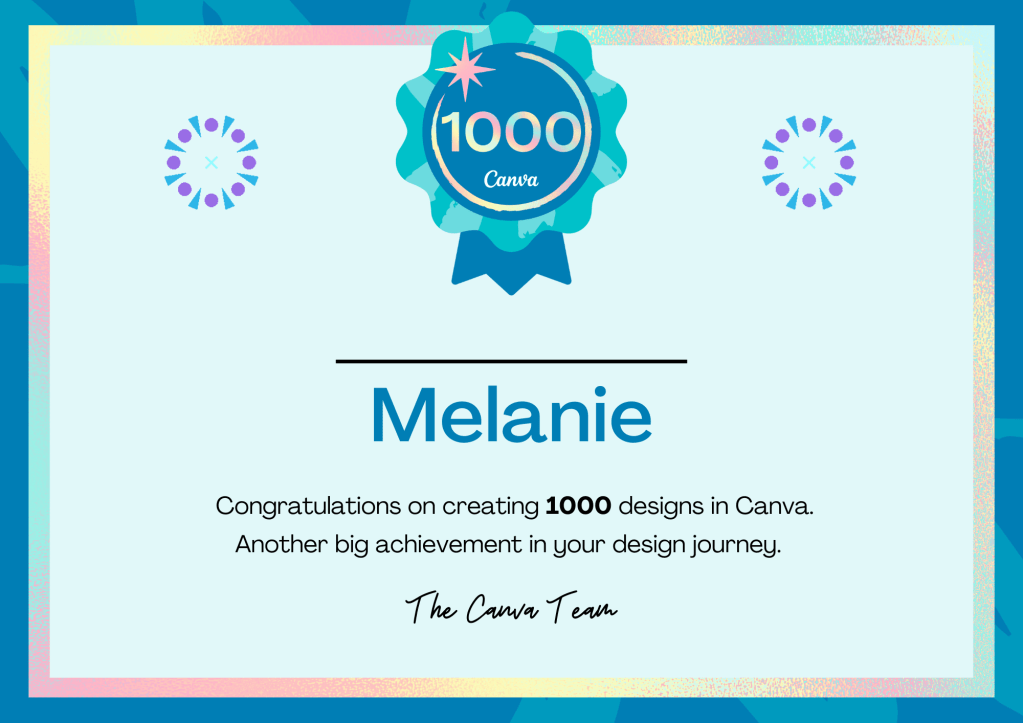
Don’t let a platform switch stop your creativity. See for yourself why Canva has become my go-to.
Want to give it a whirl? Join Canva with my referral link and we both get rewarded! If you ever need to create a graphic, poster, invitation, logo, presentation or anything that looks good, give Canva a go today!
By the way, the visuals you see in this post (header included) and a good chunk of the other images on my blog were all brought to life in Canva.
The task of converting my old (*.PSP) files remains on my to-do list, but Canva is my current happy place for graphics. Naturally, the software landscape is vast (and for the record, I did briefly explore Adobe and GIMP), but for this blog post, I wanted to provide a focused comparison of Paint Shop Pro, Photos, and Canva, as these were central to my own transition.
| Feature | Paint Shop Pro (Windows) | macOS Photos App | Canva (Online & App) |
|---|---|---|---|
| Primary Focus | Photo Editing & Graphic Design | Photo Management & Basic Editing | Graphic Design with Templates & Basic Photo Editing |
| Complexity | High | Low | Low |
| Cost | One-time purchase (can be expensive) | Free | Freemium (free tier available, Pro subscription for more features) |
| Platform | Windows Only | macOS Only | Cross-platform (Web & Apps) |
| Layer Support | Yes | No | Limited |
| Advanced Editing Tools | Extensive | Basic | Basic to Intermediate (more with Pro) |
| Graphic Design Capabilities | Strong | Limited | Template-driven, good for social media etc. |
| Ease of Use | Lower | High | Very High |
| File Format Support | Wide range, including RAW and its own .PSPImage | Common image formats | Common image formats, PDF |
| Learning Curve | Steeper | Very Gentle | Very Gentle |
 Melanie Lampro
Leave a comment